
Safety · free for everyone
Someone always knows
Every safety feature in Spurta is free, for every runner, forever. No Plus needed, no catch. Here's exactly what each one does, and what it sends.
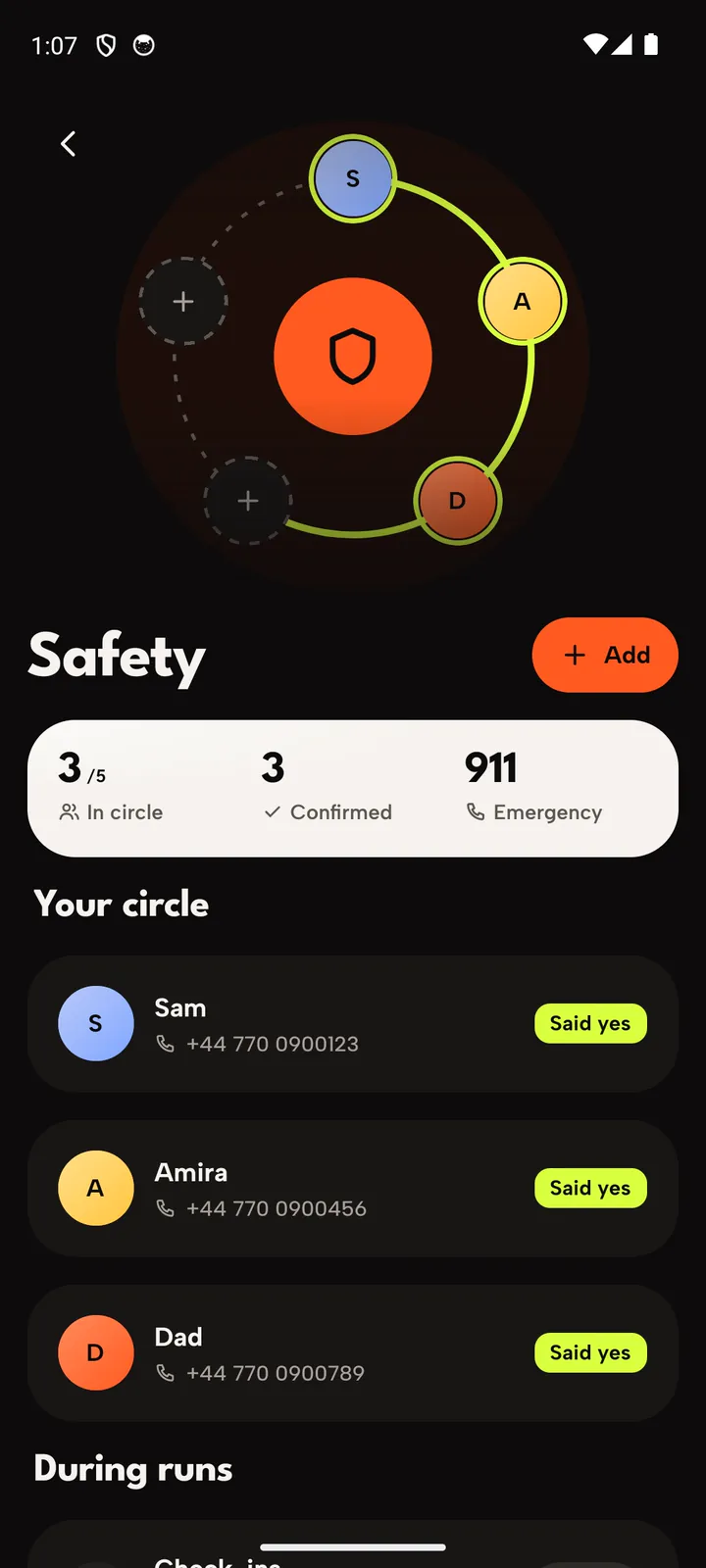
Up to five people who said yes
Add the people who should hear if something goes wrong. Each gets a short invite and chooses to join, so nobody gets alerts they didn't agree to. They don't need the app.
- They opt inAn invite link; they say yes or no, and you see which.
- No app neededAlerts reach them by email, with a map link.
A run that goes long asks if you're OK
Running a planned session and it goes 30 minutes past what you planned? Or out with no plan for 90 minutes? Spurta asks. Answer with a tap and it carries on; don't, and your circle hears.
A hard fall, then stillness
Turn on fall detection and the phone's motion sensors watch for a hard impact followed by no movement. A countdown starts on screen; cancel it with a tap, or it tells your circle.
One hold, from anywhere
Hold SOS on the run, or from the lock screen. Your circle gets your name and where your phone was, and Spurta offers to call the emergency number for the country you're in.
- Where you wereThe spot when the alert went out; it doesn't follow you after.
- I'm homeOne tap tells your circle all is well.
A link to follow your run live
Share a link and anyone can watch your dot move on a map in their browser, no app or account needed. They can send a cheer, and you hear it mid-run. The link stops working after the run.
When an alert
goes out
What happens, in order, when Spurta thinks you need help.
- 1
It asks you first
A countdown on screen, with vibration. One tap and nothing is sent.
- 2
Your circle hears
Your name, what happened, and a map link to where your phone was.
- 3
No signal? A text
If nothing can be sent, your phone opens a text message to your circle, ready to go.
- 4
You say you're safe
One tap on I'm home, and your circle knows it's over.
Safety questions
Spurta isn't an emergency service. In danger, call your local emergency number first.
Do my contacts need Spurta?
No. They accept your invite on a web page and get alerts by email.
Is my location shared all the time?
No. An alert sends where your phone was at that moment, once. Live Trail shares your position only during a run you chose to share, only with people who have the link, and the link expires.
What if I set it off by mistake?
Every alert starts with a countdown you can cancel. If one does go out, tap I'm home and your circle hears it was nothing.
Does it cost anything?
No. Every safety feature is free, for everyone, and always will be.

Run further,
worry less
Join the closed beta and set up your circle on day one.